Engineering Workflow Challenges
Autodesk Vault BOM Data: Why Does it Still Move Manually to ERP

Most Autodesk Vault environments already contain much of what downstream systems need, because assemblies carry component relationships, quantities are calculated automatically, item information is available, and BOM exports can often be triggered during lifecycle transitions or release workflows.
From a technical standpoint, the Bill of Materials already exists inside the PDM environment.
And yet, across many engineering organizations, BOM data still moves manually between Vault and ERP. It is exported to Excel, reviewed by hand, compared against revision states, and confirmed again before purchasing can proceed or ERP users can rely on the latest version.
The problem is rarely that the BOM is missing. The problem is that downstream systems are not fully trusted to remain aligned with engineering reality, so manual supervision fills the gap and often stays there much longer than anyone intended.
Why the Engineering BOM and the Manufacturing BOM Behave Differently
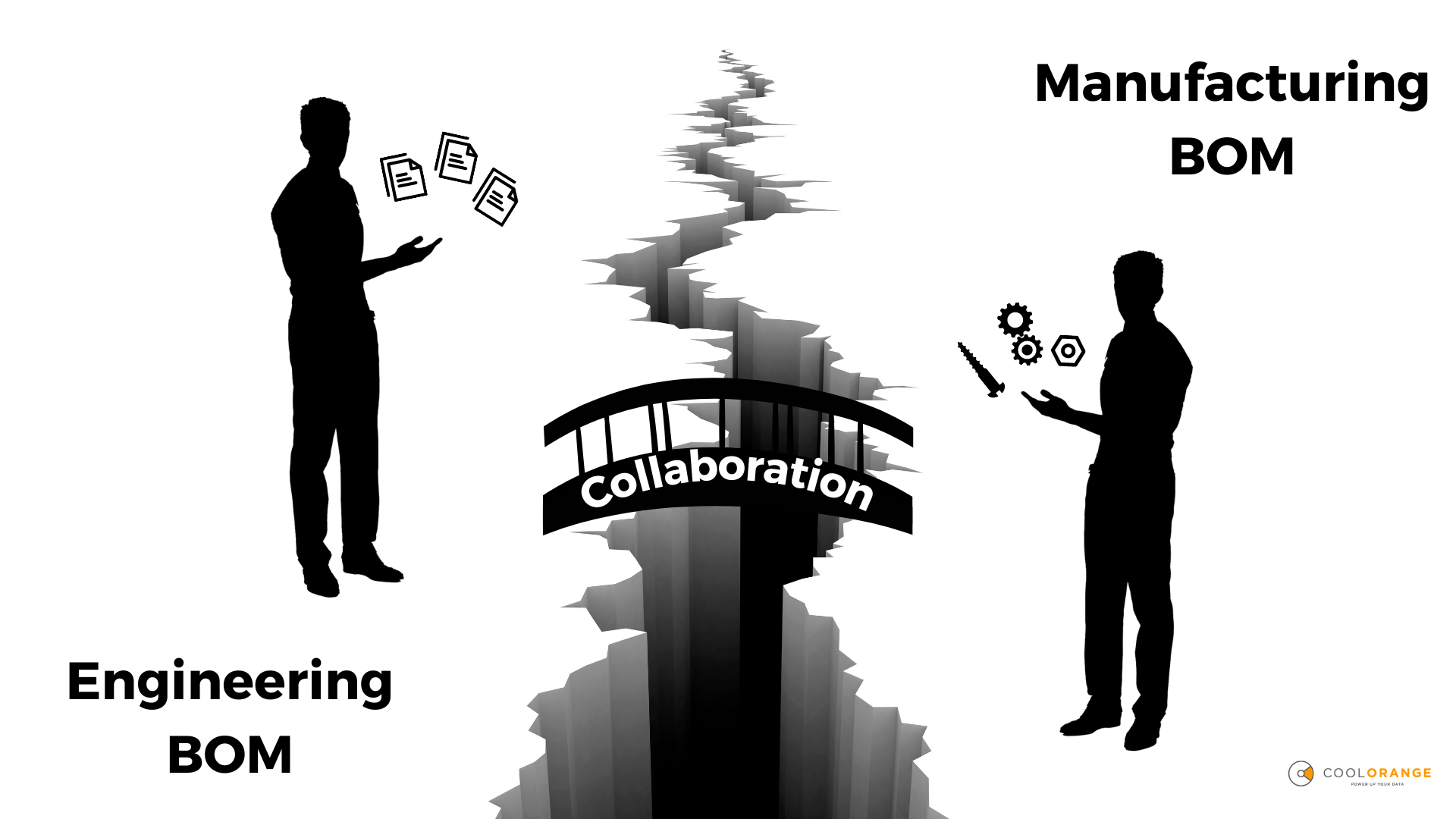
One of the most persistent misconceptions in PDM-to-ERP integration is the assumption that the engineering BOM and the manufacturing BOM look identical, even though they serve fundamentally different purposes.
Inside Autodesk Vault, the assembly structure reflects design intent, with components, sub-assemblies, and references organized around how a product is designed, documented, and validated within the PDM system.
ERP systems, however, expect the BOM to support operational execution. Purchasing needs supplier-ready item structures, manufacturing planning needs operational groupings, and procurement workflows require approved item numbers, classifications, units of measure, and revision states that follow production rules rather than CAD conventions.
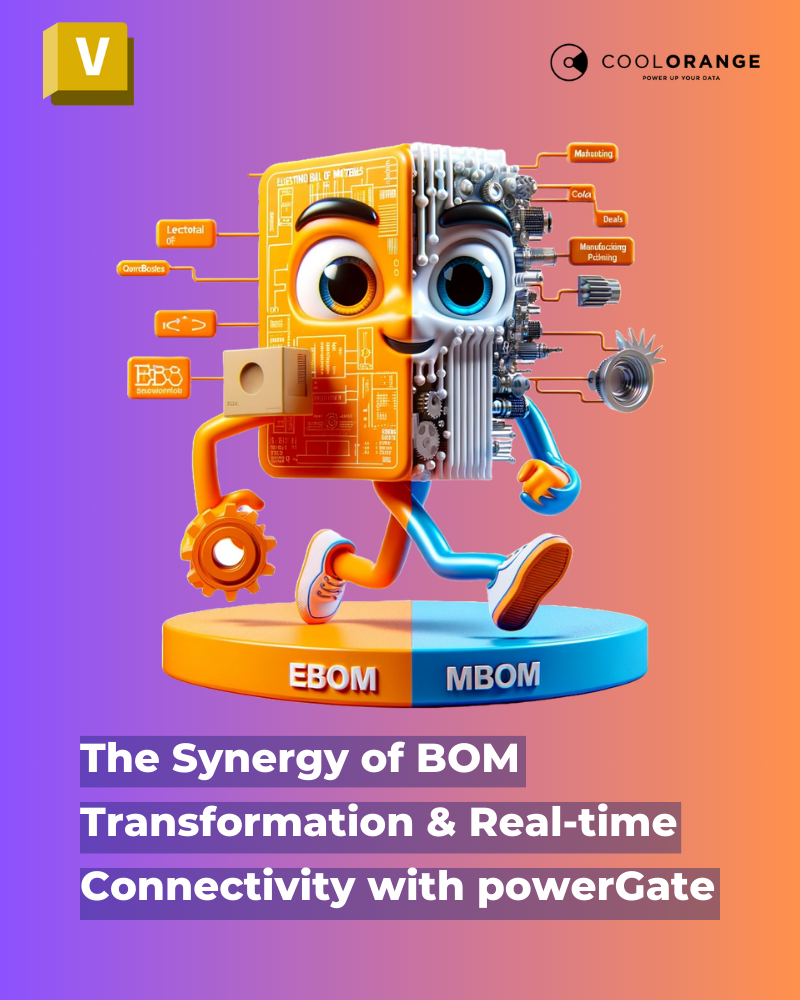
This is where the gap between the eBOM and the mBOM becomes visible. The Vault-to-ERP handover is therefore not just a data transfer problem. It is a translation problem, and without automated BOM transformation logic in the integration layer, that translation has to be performed manually every time a revision moves downstream.
Why Excel Becomes the Default Safety Layer in Vault-ERP Workflows
Excel enters the picture not because engineering teams prefer spreadsheets, but because a spreadsheet often becomes the only neutral space where the BOM can be inspected, adjusted, and validated before it moves into ERP.
In that spreadsheet, rows are reorganized, phantom assemblies are flattened by hand, reference components are removed, ERP-specific fields are completed, and missing item numbers are added column by column.
What makes this so durable is that it works imperfectly, but reliably enough. Everyone on the team knows the routine, and the spreadsheet gradually becomes institutional knowledge about how the Vault-ERP integration actually operates day to day. The longer it stays in place, the harder it becomes to replace, because the manual steps embedded in it represent real operational logic that no one has formally documented anywhere else.
“Excel is rarely the original workflow. It becomes the safety layer between systems that are not yet fully trusted.”
The BOM Revision Alignment Problem in Vault-ERP Integration
When a design changes inside Autodesk Vault, the assembly structure is updated and a new revision may be released, while the downstream ERP system may still be working with the previous BOM version until synchronization happens. If that synchronization is manual or runs through a delayed export process, ERP can easily reflect a different point in time than the latest engineering release.
Once that uncertainty exists, manual supervision returns in full force. Teams re-export the BOM to verify what ERP received, compare revisions in spreadsheets, and send emails asking whether the latest structure has actually been imported.
The systems may be technically connected, but the people between them have stopped trusting the connection.
This is the real cost of incomplete Vault-to-ERP integration: not the time spent on a single export, but the cumulative overhead of constant reconciliation across engineering, purchasing, and manufacturing. It is a cost that grows quietly until it becomes part of the process itself.
When BOM Errors Become Operational Problems
Misaligned BOM data stops being an engineering inconvenience once it reaches the downstream systems that drive real business decisions.
A quantity mismatch is no longer a CAD issue once purchasing uses it to generate procurement requests. An outdated revision is no longer just a BOM synchronization delay once manufacturing starts planning production from it. A duplicated item structure stops being harmless once suppliers receive conflicting information from separate systems.
At this stage, engineering workflow quality starts directly affecting operational reliability across the entire business:
-
Purchasing delays because engineering must manually confirm revision states before procurement can proceed, turning every BOM release into a waiting game.
-
Late ERP imports because BOM validation remains dependent on spreadsheet review rather than automated BOM transfer triggered by the release workflow itself.
-
Production planning gaps because manufacturing is working from partially validated structures while engineering is still verifying whether the latest changes propagated correctly through the PDM-ERP pipeline.
-
Engineers stop re-exporting BOMs to verify what ERP actually received, because the BOM synchronization is continuous and auditable.
-
ERP item masters and Bill of Materials structures stay aligned with current engineering revisions without manual intervention.
-
Item information, operational classifications, and procurement rules become part of the connected workflow rather than corrections applied manually downstream.
-
Purchasing, manufacturing, and supply chain teams can trust the data in their ERP system without waiting for engineering to confirm the handover.
The workflow slows not because systems cannot exchange data, but because the people responsible for business outcomes don't trust the handover between Vault and ERP.
Why Manual BOM Handling Does Not Scale in Growing Engineering Environments
In smaller organizations, manual BOM management can remain invisible when product volume is low, revision cycles are slow, and a few experienced people know the Vault-to-ERP workflow by heart.
As the environment grows, that hidden dependency becomes an operational constraint. More products, faster revisions, and more downstream teams turn BOM synchronization into a business-critical process.
At that point, every manual review slows the release workflow. Purchasing waits for confirmation, ERP imports stall, and production planning depends on someone reconciling Vault and ERP data through a spreadsheet.
“The manual work is rarely the root problem. It is the symptom of a PDM-ERP handover that has not been built to be trusted.”
What Changes When Autodesk Vault and ERP Are Properly Connected
Engineering organizations that reduce manual BOM overhead usually make one important shift: they stop treating BOM transfer as a file export and start treating it as synchronization between Autodesk Vault and ERP.
With an export mindset, BOM data moves in batches. Someone triggers the transfer, the receiving system updates later, and manual checks cover the gaps.
With a synchronization mindset, Vault and ERP stay aligned through a live integration layer. When revisions, quantities, item classifications, or lifecycle states change in Vault, the ERP structure reflects those changes without a manual export or spreadsheet review.
In practice, this means:
-
Engineers stop supervising BOM transfers
-
ERP receives current product structures
-
Purchasing and production rely on synchronized data
-
Excel is no longer needed as a safety net
The Next Challenge: Managing Engineering Change Across a Connected PDM-ERP Environment
Once Autodesk Vault and ERP share live, synchronized BOM data, the next challenge becomes engineering change itself.
BOM synchronization aligns the product structure, but engineering data keeps moving. Designs change, revisions advance, ECOs go through approval, and manufacturing changes flow into planning, suppliers, and procurement.
Keeping this aligned requires more than a one-time Vault-to-ERP integration. It requires a connected workflow architecture where engineering change is traceable across PDM and ERP.
That is where the real advantage lies: every team works from current data, without spreadsheet handoffs, revision uncertainty, or waiting.
Ready to Eliminate the Manual BOM Handover Between Vault and ERP?
coolOrange specializes in bi-directional, automated real-time integration between Autodesk Vault and ERP systems. Our Vault-ERP connector eliminates the spreadsheet layer, keeps Bill of Materials structures continuously synchronized across PDM and ERP, and gives engineering, purchasing, and manufacturing teams a single, trusted source of truth for design data.

Akash Agilan is the Product Marketing Manager at coolOrange, responsible for shaping how products are positioned, understood, and adopted. He translates technical capabilities into clear value, enabling engineering teams to recognize problems, evaluate solutions, and move toward better workflows.
.jpg)