


Tanzer Maschinenbau
CAD archive migrated into Autodesk Vault and PDF, DXF, DWG and STEP creation automated.
See how manufacturing teams structure, load, automate, and connect engineering data with Autodesk Vault and COOLORANGE.
Engineering data often grows across folders, teams, locations and different ways of working. STRUCTURE brings that information into Autodesk Vault in a consistent way, so teams can find, reuse and trust the data they work with.
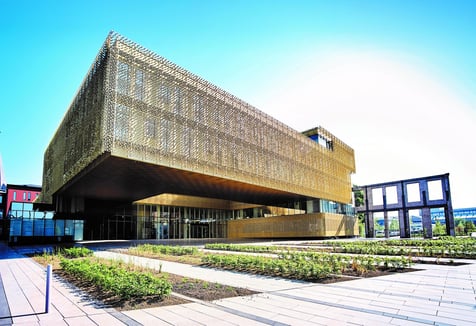
FEATURED CUSTOMER STORY · JOHN COCKERILL
7 entities unified · 200 users · 15 cross-site projects
John Cockerill brought seven engineering entities into a shared Autodesk Vault environment. Teams gained a more consistent structure for collaboration, traceability, and design reuse across locations.
Migrating years of engineering data is more than transferring files from one system to another. File structures, properties, relationships and metadata all need to fit the target Vault environment. Prepare, transform and validate your existing data before import, so your new Vault environment starts with information your engineering teams can rely on.
FEATURED CUSTOMER STORY · METSO OUTOTEC
Metso Outotec merged more than 20 Autodesk Vaults and migrated engineering data from systems including SAP and Windows Explorer into a more consistent environment.
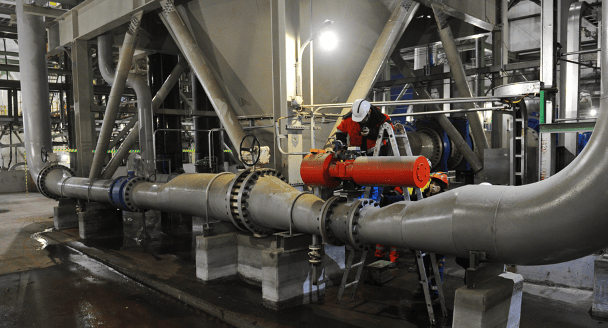
CAD archive migrated into Autodesk Vault and PDF, DXF, DWG and STEP creation automated.
LOAD · AUTOMATE
CAD archive migrated into Autodesk Vault and PDF, DXF, DWG and STEP creation automated.
Many engineering processes still depend on someone creating files, checking data, updating properties or triggering the next step manually. Automate these recurring Vault tasks so they happen consistently in the background, while engineers stay focused on design and decision-making.
FEATURED CUSTOMER STORY · KUKA
4 sec STEP creation · down from 30–40 sec manually
KUKA automated the generation of DXF and STEP files from Autodesk Vault, reducing repetitive publishing work and improving consistency in the engineering department.
Vault + Basecamp workflow automation.
PDF, DXF, DWG and STEP automation.
Automated engineering processes.
PDF creation and SAP transfer automated.
Automated PDF generation and publishing.
Automated PDF, DXF and STEP generation for production.
Integrate engineering data with the systems that depend on it, so BOMs, items and product information can move between Vault and downstream business processes without manual re-entry or file-based handoffs.
FEATURED CUSTOMER STORY · PRIMETALS TECHNOLOGIES
+20% engineering productivity · +30% data quality
Primetals Technologies implemented a Vault-SAP integration that improved design productivity and data reliability while reducing manual exchange steps.

Vault ↔ SAP
Vault ↔ SAP
Vault ↔ IFS
Vault ↔ Fusion Manage
Vault ↔ RADIX
Explore all customer references and jump directly to the company or solution that is most relevant to you.
Some stories appear in more than one solution area because the project solved more than one engineering challenge.
- HAVE A SIMILAR CHALLENGE?
Whether you are automating Autodesk Vault, migrating engineering data, or connecting Vault with ERP or PLM, we can help identify where manual work can be removed.
